Ski yourself
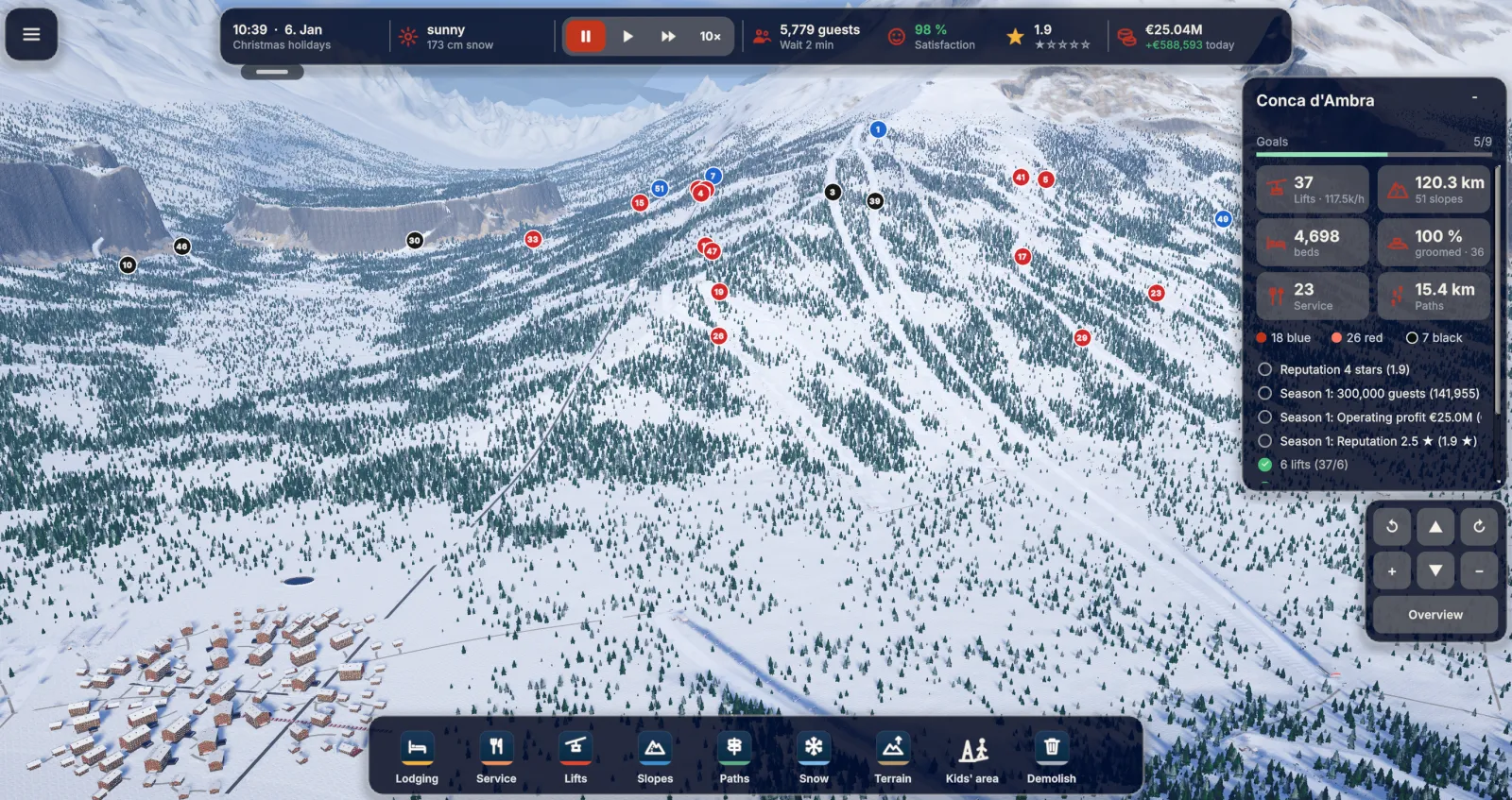
Ski a run yourself by selecting a slope or a guest. Use left/right, brake and tuck on a touchscreen. On Mac, use the arrow keys or A/D, S and Shift.
Trying the run you designed
Choose a completed run and start skiing. Notice where you brake before a bend or where the line feels particularly tight. This gives you a different view of the terrain from the planning screen.
After the ride you can mark out an alternative route. A comparison is particularly revealing on hills where you used switchbacks.